

Orders
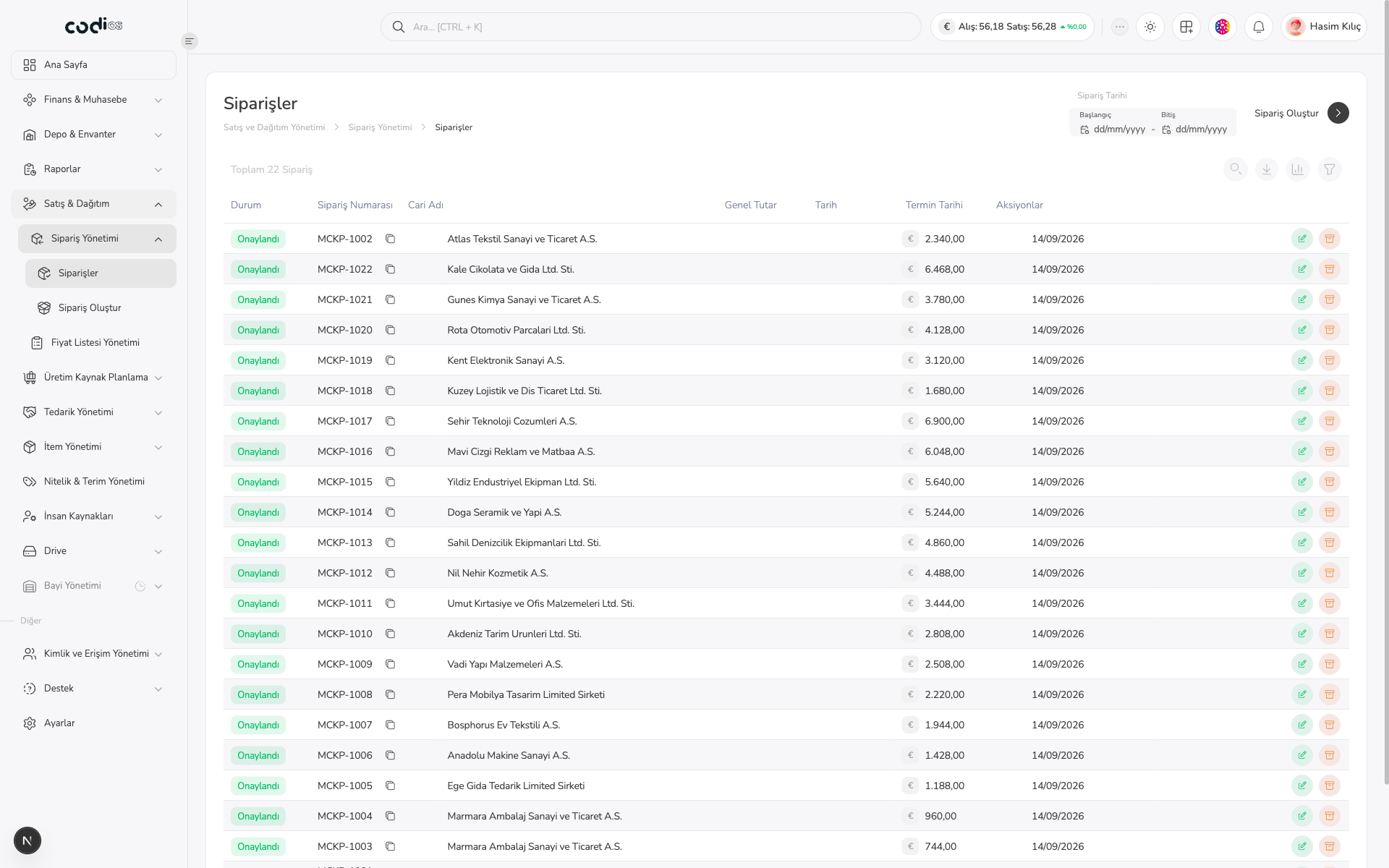
The Orders page lets you review sales orders by current account, total, date, and status. For a new order, open Create Order from the menu.
Prerequisites
- Check the order status, current account, and grand total.
- Use the date filter to list records from a specific period.
Review the order list
 123
- 1. Total 22 Orders shows the number of existing records.
- 2. Filter by order date with the start and end fields; use Create Order for a new record.
- 3. Open order details with the green row action. Use the orange action only when you are certain you want to operate on that record.