

Item Categories
Use Item Categories to classify products in more detail. A category is selected from the İtem Kategorileri field on the item update screen.
Create a category
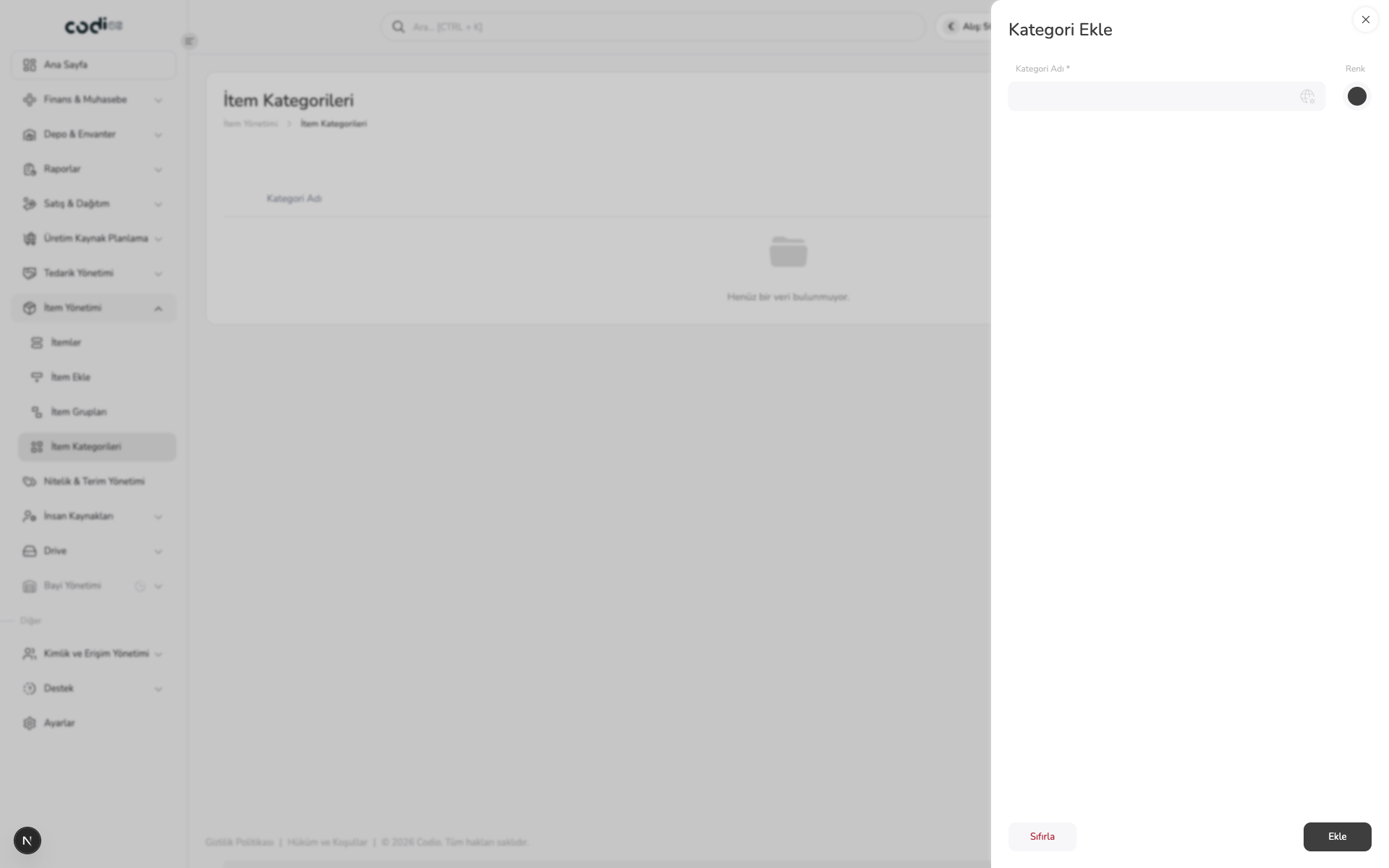
- Open Kategori Ekle from the İtem Kategorileri screen.
- Complete the required Kategori Adı field.
- Select a color when needed.
- Save with Ekle, or clear the form with Sıfırla.
Completion check
Confirm that the record appears in the category list. You can then select the category on the related item’s update screen.
 123
- 1. Enter the required category name.
- 2. Select a color for the category.
- 3. Complete the record with Ekle or reset the form.