

Current Account Groups
Use Current Account Groups to classify current accounts under a shared code and name.
Use the list and add modal
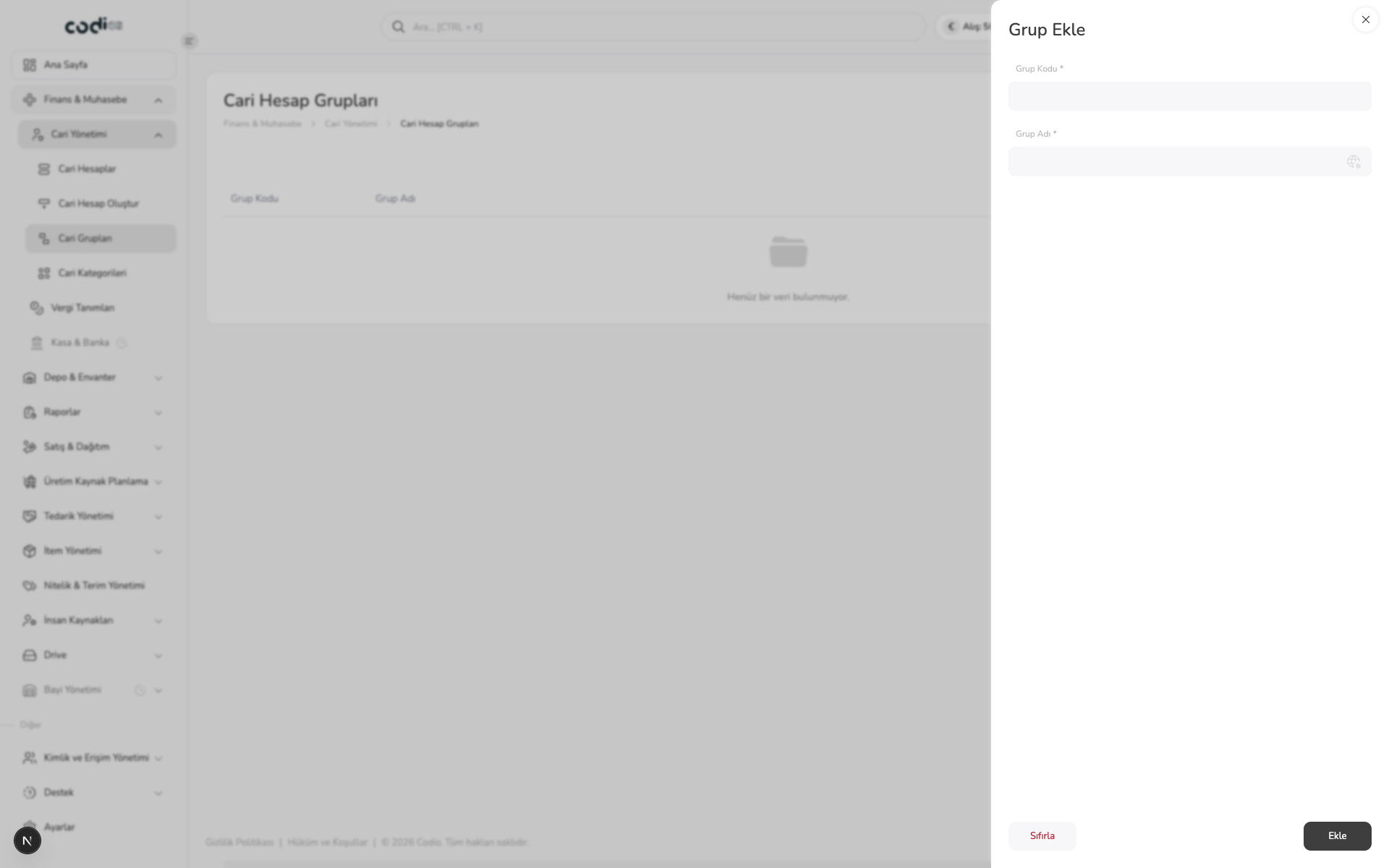 1234
- 1. Select Grup Ekle on the list screen.
- 2. Enter a unique code in the required Grup Kodu * field.
- 3. Enter a descriptive name in the required Grup Adı * field.
- 4. Create the group with Ekle; use Sıfırla to clear the form.
Use search, filtering, and row actions to review existing groups. Confirm that the code is not already used by another group before creating a record.
Back to top